
Retire the Closet Server
Cloud Migration for San Diego Offices
Tell us what lives on the server today.
Cloud Migration Services in San Diego, One Workload at a Time
Cloud migration in San Diego moves your office's email, shared files or server programs from equipment you own to a hosted service such as Microsoft 365, Google Workspace or Azure. Email or call with what runs on the server now. A written plan and quote come back.
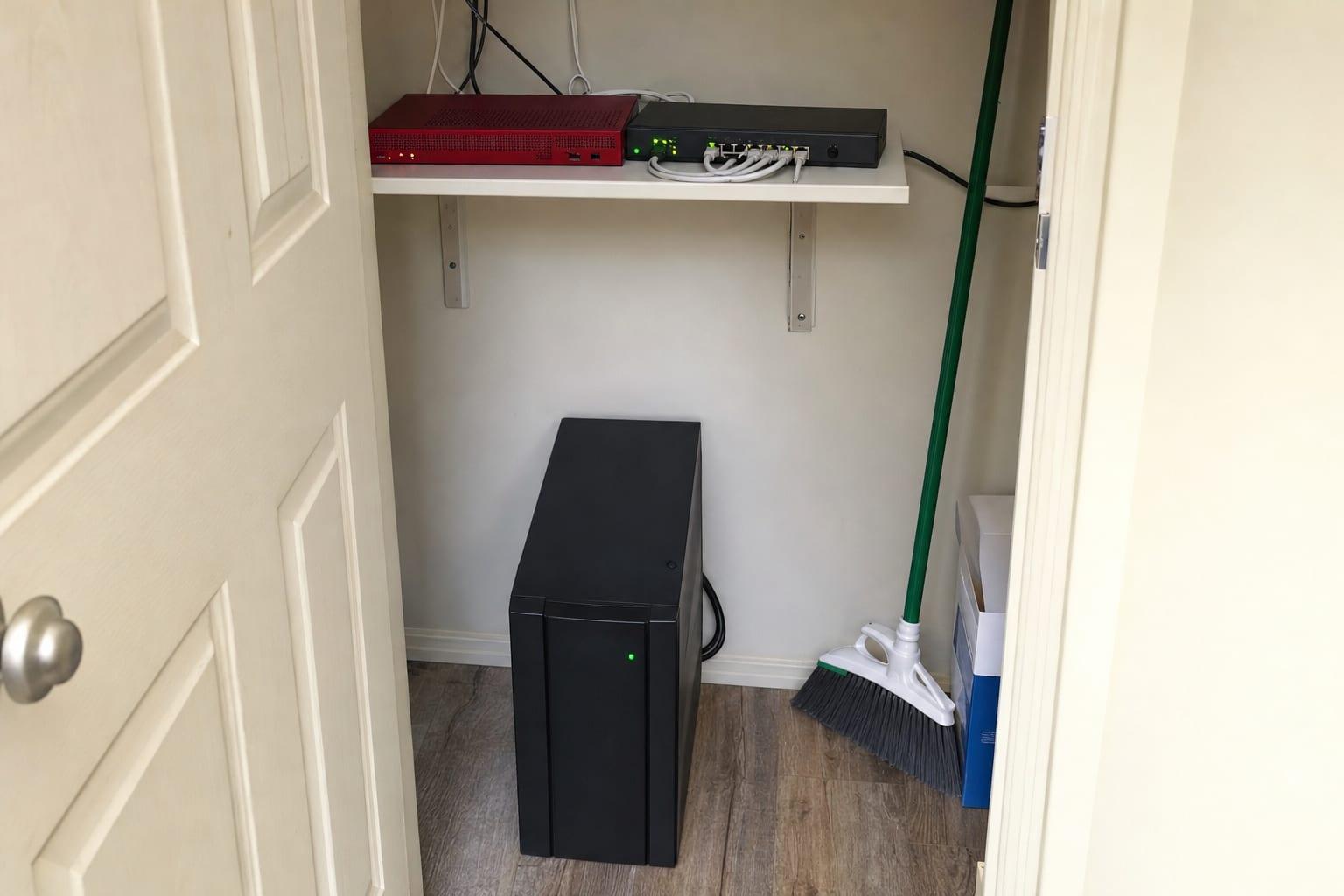
The server in the closet has done its job. It's also eight years old, it hums, and the room it lives in hits ninety degrees every September.
Moving off it is less about technology than about order. Email first or files first? What happens to the accounting program that only runs on that box? Who needs access from home on day one?
Get the order right and Monday morning is boring. That's the goal.
Serving Businesses Across California

What a Cloud Migration Includes
The work breaks into pieces, and you can do one without the others.
Email Migration
Mailboxes, calendars and contacts moved to Microsoft 365 or Google Workspace with history intact.
File Server to Cloud Storage
Shared drives moved to SharePoint, OneDrive or Google Drive, with permissions rebuilt on purpose.
Line-of-Business Applications
The accounting or practice program moved to a hosted version or a cloud server, after checking with its vendor.
Sign-In and Security Setup
Multi-factor sign-in and device rules configured before the data arrives, not after.
Cloud Backup
A separate copy of cloud mail and files, because the provider's recycle bin is not a backup.
Old Server Retirement
The old machine kept read-only for an agreed period, then wiped with a record of the wipe.
Cloud Migration Cost in San Diego
| Migration | Price | Based On |
|---|---|---|
| Email only | Custom quote | Mailbox count and total size |
| Email and files | Custom quote | Data volume and folder permissions |
| Full server retirement | Custom quote | Applications that must move and their vendors |
Two costs show on a migration quote: the one-time project and the monthly subscriptions that follow. Both are listed so you can compare against the price of a replacement server.
Why Choose Us for Cloud Migration?
Old System Stays Until Proven
Nothing is switched off until staff have worked a full week on the new setup.
Cutover on Your Calendar
The switch happens on an evening or weekend you pick, away from deadlines.
Permissions Rebuilt Deliberately
Who can see payroll gets decided, not copied over from fifteen years of accidents.
Honest About What Shouldn't Move
Some programs run worse in the cloud. If yours is one, you'll hear it before paying to find out.
Talk to a San Diego Managed IT Team
Server due for replacement, or lease ending? Say what's on it and get a migration plan with both costs shown.
Call (619) 789-4730Get a Free Quote
No obligation.

How a Cloud Migration Is Planned
Inventory
Every mailbox, share and program on the server is listed.
Choose the Order
Workloads are sequenced so each step can be undone.
Pilot
Two or three people move first and report what's odd.
Cut Over
Everyone else follows in the agreed window.
Retire and Record
The old server is archived, wiped and written off the office sheet.
Cloud Migration Questions
How long does a cloud migration take for a small office?
An email migration for a small office typically takes one to two weeks from planning to cutover, with the switch itself done over a weekend. Adding file shares or a server application extends that. The plan gives dates before work begins.
Is the cloud cheaper than a server?
The cloud replaces a large purchase every several years with a monthly fee, so the comparison depends on headcount and how long you'd keep a server. For many small offices the totals are close. The real gain is fewer things in the closet to fail.
Will we lose data during a cloud migration?
A planned migration copies data to the new service and leaves the original untouched until the copy is verified. Loss happens when the old system is shut off too early. Keeping it read-only for a set period removes that risk.
Related Services
- Managed IT Services
- Small Business IT Support
- IT Support
- IT Services
- IT Consulting
- Cybersecurity
- Penetration Testing
- Network Support
- Business Phone Systems
- Security Camera Installation
- Access Control
- Structured Cabling
- Audio Visual Installation
- IT Compliance
- IT Help Desk
- IT Onboarding and Offboarding
- Application Support
- Printer Support