Something's Broken
IT Support for San Diego Offices
Say what stopped working and who's stuck.
IT Support in San Diego, by Screen Share or at Your Desk
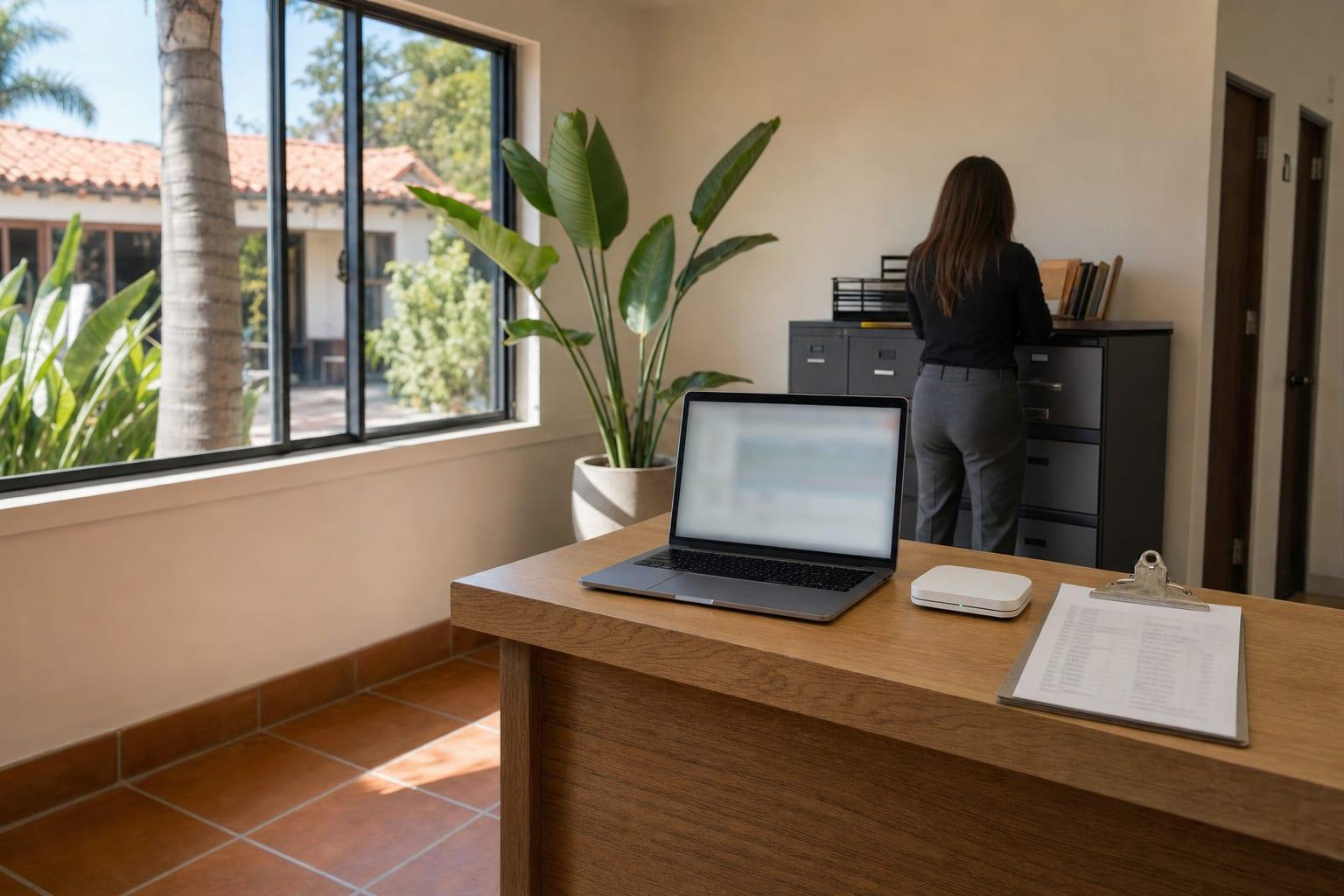
IT support in San Diego means a technician fixes your office's computers, email, network and printers when they stop working, by remote session first and in person when hands are needed. Email or call with what broke and how many people it's holding up.
The calls are rarely dramatic. A laptop that takes ten minutes to wake. A shared calendar that shows last week. The scanner that emails everyone except the person who needs the scan.
Each one steals twenty minutes from somebody, several times a week. Add it up across an office and it's a real number.
Good support fixes the thing and then asks why it happened. If the answer is a dying switch or an account set up wrong in 2019, you hear that too.
Serving Businesses Across California

What IT Support Handles Day to Day
Most requests fall into one of these.
Slow or Crashing Computers
Diagnosed remotely, then repaired or marked for replacement with the reason given.
Email Problems
Mail that won't send, mailboxes that are full, phones that stopped syncing.
Wi-Fi and Internet
Dead spots, afternoon slowdowns and the connection that drops during every video call.
Printers and Scanners
Offline printers, failed scan-to-email and the driver that only half the office has.
Accounts and Passwords
Lockouts, resets and multi-factor prompts that went to a phone someone traded in.
On-Site Visits
For hardware swaps and anything a screen share can't reach. Booked ahead, and you know who's coming.
IT Support Pricing in San Diego
| Support Type | Price | Depends On |
|---|---|---|
| Pay as you go | Custom quote | How often you need help and how urgent it is |
| Block of hours | Custom quote | Hours purchased and how fast you use them |
| Monthly support | Custom quote | Number of staff and devices covered |
No hourly rate is printed here. It changes with urgency, travel and how the work is billed. Ask, and the quote states the model on its first line.
Why Choose Us for IT Support?
The Why, Not Just the Fix
You're told what caused the problem and whether it's likely to come back.
Remote Before Road
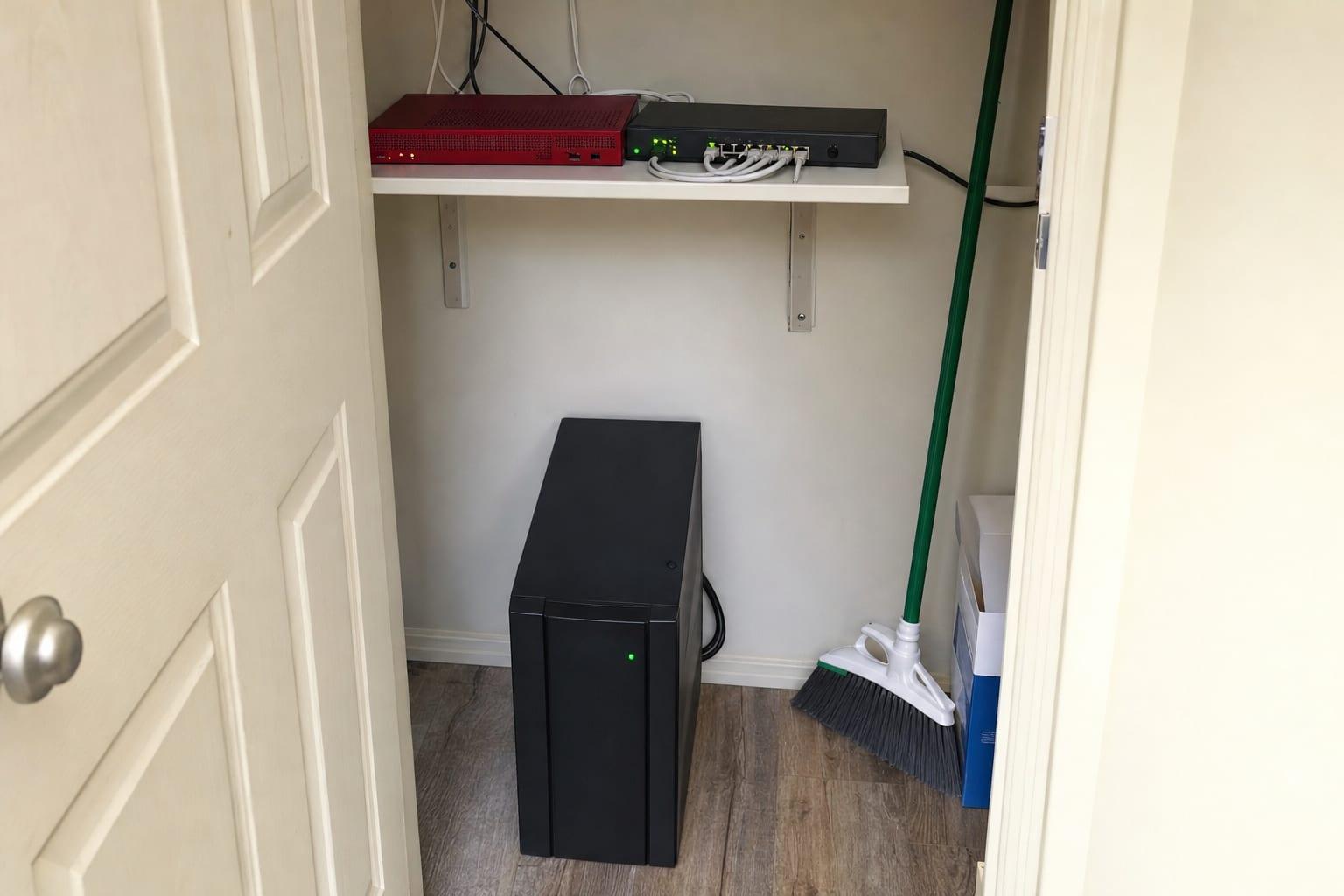
A screen share beats waiting on someone to cross Mission Valley at four in the afternoon.
Visits With a Name
When someone needs to come out, you know who it is before they knock.
Price Before Work
Anything outside the quote gets a number first. You decide, then it happens.
Talk to a San Diego Managed IT Team
Stuck right now? Say what's down and how many people are waiting.
Call (619) 789-4730Get a Free Quote
No obligation.

What Happens After You Ask for IT Support
Send the Problem
What's wrong, who it affects and when it started.
Connect
A technician joins by screen share and sees it firsthand.
Repair
Fixed in that session, or a visit is booked and explained.
Explain
You get the cause in a sentence or two.
Follow Up
A quick check later confirms it held.
IT Support Questions
What does IT support do for an office?
IT support repairs and maintains the equipment and accounts an office depends on, including computers, email, Wi-Fi, printers and logins. It also sets up new staff and removes access for people who leave. Most of the work is done by remote session.
Is remote IT support as good as on-site?
Remote IT support solves most office problems faster than a visit because nobody has to drive. Software, email, account and many network faults are all reachable by screen share. Hardware swaps, cabling and anything physical still need a person in the room.
How do I choose an IT support company in San Diego?
Choose an IT support company by asking three things: who keeps the admin passwords, what the quote excludes and how on-site visits are scheduled. A provider that answers all three in writing is a safer pick than one with the lowest hourly rate.
Related Services
- Managed IT Services
- Small Business IT Support
- IT Services
- IT Consulting
- Cybersecurity
- Penetration Testing
- Cloud Migration
- Network Support
- Business Phone Systems
- Security Camera Installation
- Access Control
- Structured Cabling
- Audio Visual Installation
- IT Compliance
- IT Help Desk
- IT Onboarding and Offboarding
- Application Support
- Printer Support