
Monthly IT, Looked After
Managed IT Services in San Diego
Say how many people and what they work on. A written plan comes back.
What Managed IT Services Cover for a San Diego Office
Managed IT services in San Diego put your office's updates, backups, security and staff help requests on one monthly plan run by an outside team. Send your headcount and what you work on by email or phone. A written scope and a custom quote come back.
Who handles it today? Usually whoever sits closest to the router. She has a real job, and the backup warning has been in her inbox since spring.
A managed plan moves that pile onto someone else's calendar. Updates run on a schedule. Backups get test-restored. A new hire has a login on the first morning. Smaller shops that aren't sure they need a plan should read about IT support for small business first.
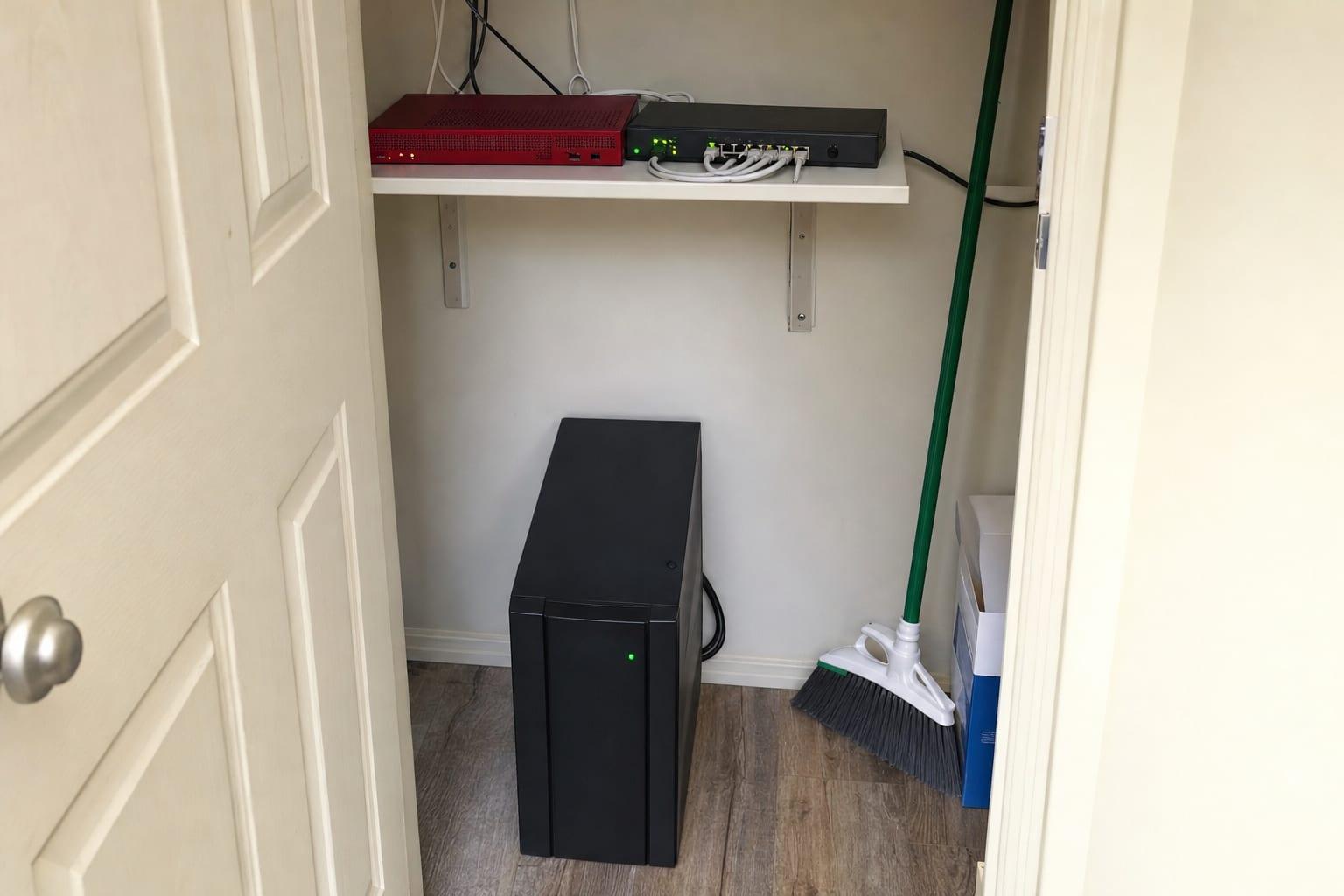
One local reason to bother. On September 8, 2011, a grid failure cut power to roughly 1.4 million SDG&E accounts for about twelve hours. Offices with a battery on the network gear and a backup stored elsewhere lost an afternoon. Others lost more.
Serving Businesses Across California

What's Included in a Managed IT Plan
Plans differ, so read the scope. These six pieces appear in most of them.
Updates and Patching
Windows, Mac and app updates pushed on a schedule and checked afterward, so nobody clicks Remind Me Tomorrow for a year.
Backups You Can Restore
Files and cloud mailboxes copied off site. Then a real file is pulled back on a schedule to prove the copy works.
Security Basics
Endpoint protection, multi-factor sign-in and email filtering, set up and then actually watched.
Help for Your Staff
A place to send the frozen laptop and the locked account. Remote first, with a visit when the job needs hands.
Monitoring
Alerts for failing drives, full disks and equipment that dropped offline, read by a person who can do something about them.
The Office Sheet
One page listing your devices, admin logins and renewal dates. It's yours, and it gets updated when things change.
Managed IT Services Pricing in San Diego
| Plan Type | Price | What Moves It |
|---|---|---|
| Per user, per month | Custom quote | Headcount and how much help staff need |
| Per device, per month | Custom quote | Number and age of computers and servers |
| Co-managed with your IT person | Custom quote | Which jobs you keep in house |
You won't find a price on this page. Any number posted without your headcount and equipment list would be a guess. The quote you receive names the billing model and lists what sits outside the plan.
Why Choose Us for Managed IT Services?
Somebody Owns It
Upkeep stops being a favor from the nearest coworker and becomes a scheduled job with a name on it.
Exclusions in Plain View
Projects, hardware and after-hours work are spelled out, so the first invoice holds no surprises.
Your Logins Stay Yours
Admin passwords live on your office sheet. Switch providers someday and nothing is held hostage.
Sized to the Office
A six-person firm and a forty-person firm need different plans. The scope is written for yours.
Talk to a San Diego Managed IT Team
Not sure a monthly plan fits? Describe the office and ask. You'll get a straight answer in writing.
Call (619) 789-4730Get a Free Quote
No obligation.

How a Managed IT Plan Gets Started
Tell Us the Basics
Headcount, main programs and the last few things that failed.
Take Inventory
Devices, accounts and backups get listed, remotely where possible.
Read the Scope
You see what's covered, what's excluded and the billing model.
Onboard
Tools go on, the worst gaps get closed and the office sheet is written.
Keep It Current
Routine work runs on schedule and the sheet is updated as you change.
Managed IT Services Questions
What do managed IT services include?
Managed IT services usually include patching, backup with test restores, security tools, monitoring and a help desk for staff, billed monthly. Hardware purchases, big projects and after-hours work are often separate. Read the exclusions list before you compare two quotes.
How much do managed IT services cost in San Diego?
Managed IT pricing in San Diego is set per user or per device and moves with headcount, equipment age and how much is covered. No rate is posted here because it would be a guess. A custom quote in writing shows the model and the monthly total.
What is the difference between managed IT services and IT support?
IT support fixes things after they break and bills by the hour or the job. Managed IT services add the scheduled upkeep that prevents the break, for a fixed monthly fee. Offices with a server, client records or more than a handful of staff tend to need the second.
Does a cloud-only office still need managed IT?
A cloud-only office still has laptops to patch, accounts to close when people leave, sign-in security to set and mailboxes that the cloud vendor does not back up for you by default. The plan is smaller, and sometimes a one-time cleanup is enough.
Related Services
- Small Business IT Support
- IT Support
- IT Services
- IT Consulting
- Cybersecurity
- Penetration Testing
- Cloud Migration
- Network Support
- Business Phone Systems
- Security Camera Installation
- Access Control
- Structured Cabling
- Audio Visual Installation
- IT Compliance
- IT Help Desk
- IT Onboarding and Offboarding
- Application Support
- Printer Support