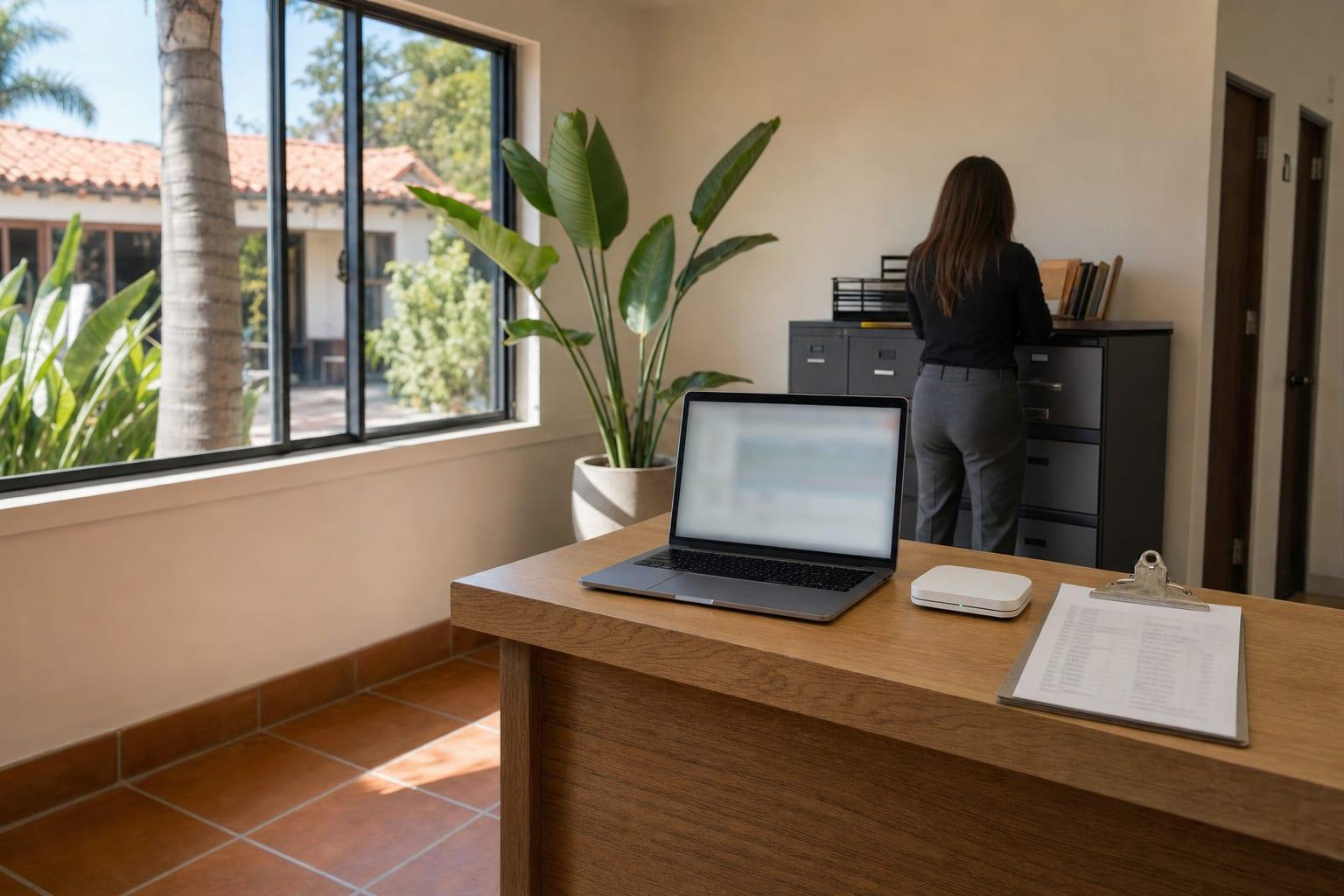
The Part Nobody Sees
Network Support for San Diego Offices
Describe the slowdown or the dead spot.
Network Support in San Diego for Slow Wi-Fi and Aging Equipment
Network support in San Diego keeps an office's firewall, switches, Wi-Fi and internet connection working, and replaces equipment that has aged out. Email or call with the symptoms and your floor plan size. A written scope and quote come back.
Networks fail quietly. Calls sound choppy after lunch. The warehouse scanner drops at the far wall. Everything is a little slow and nobody can say since when.
The cause is usually ordinary. A consumer router doing a business's job. One access point trying to cover a building it was never meant to. A switch from two tenants ago.
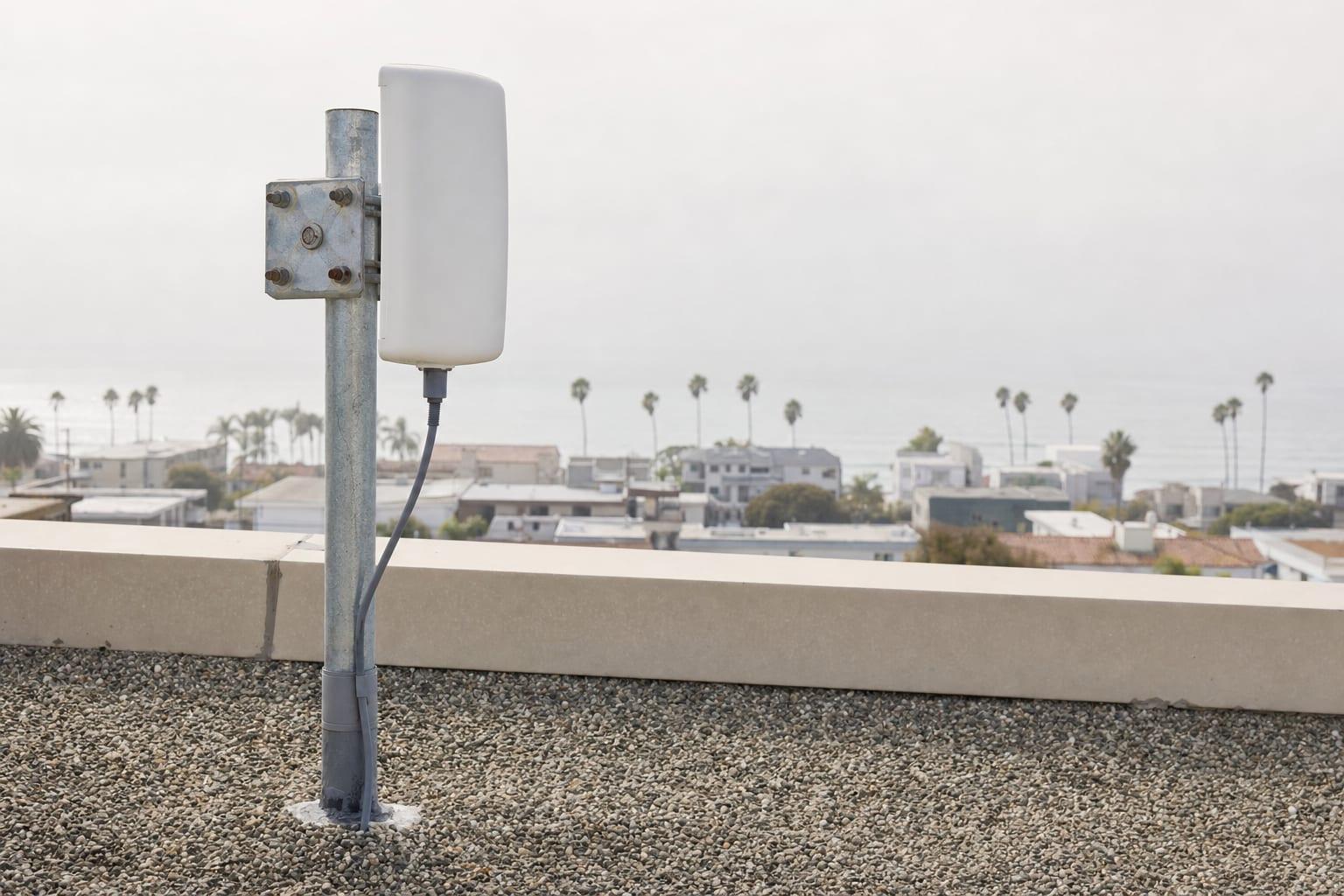
And if your office sits near the water, look at the gear. Salt air is hard on connectors and outdoor equipment, and corrosion shows up as random drops long before anything dies outright.
Serving Businesses Across California
What Network Support Covers
From the wall jack to the internet handoff.
Wi-Fi Surveys and Fixes
Signal measured across the floor, then access points placed where the readings say, not where the outlet was.
Firewall Setup
A business firewall configured, updated and documented, with remote access done safely.
Switch Replacement
Old or unmanaged switches swapped for ones that can report problems and separate guest traffic.
Internet Troubleshooting
Working out whether the slowness is the provider, the wiring or something inside the office.
Guest and Device Separation
Visitors, cameras and card readers kept off the network your files live on.
Network Diagram
A one-page drawing of what connects to what, added to your office sheet.
Network Support Pricing in San Diego
| Work | Price | Turns On |
|---|---|---|
| Troubleshooting visit | Custom quote | Symptoms and building size |
| Wi-Fi or firewall project | Custom quote | Square footage, walls and equipment chosen |
| Monthly network monitoring | Custom quote | Number of devices watched |
Network quotes list equipment and labor on separate lines. If the survey shows your current gear is fine and only misconfigured, the equipment line reads zero.

Why Choose Us for Network Support?
Measured, Then Purchased
Nothing is recommended until readings are taken. Guessing at access point counts wastes money.
A Diagram You Keep
The network drawing and admin passwords belong to your office.
Business Gear Where It Counts
The firewall and switches get proper equipment. Not everything needs to be top shelf.
Coastal Wear Checked
Outdoor and near-window equipment gets inspected for corrosion as a matter of routine.
Talk to a San Diego Managed IT Team
Wi-Fi dropping, calls choppy or internet crawling by mid-afternoon? Send the symptoms and rough square footage.
Call (619) 789-4730Get a Free Quote
No obligation.
How a Network Problem Gets Solved
Describe Symptoms
Where, when and which devices are affected.
Test
Speed, signal and equipment logs are checked.
Find the Cause
Provider, wiring, configuration or hardware.
Fix or Quote
Settings are corrected or a replacement is priced.
Document
The diagram is updated to match what's installed.
Network Support Questions
Why is my office Wi-Fi slow in the afternoon?
Afternoon slowdowns usually mean the network is overloaded, not broken. Too many devices on one access point, a neighbor's signal on the same channel or a backup running during work hours are common causes. A short survey identifies which one.
Does a small office need a business firewall?
A small office that stores client data or allows remote access needs a business firewall. Consumer routers lack the logging, update support and traffic separation that insurers and compliance rules expect. The firewall is the one device not to economize on.
How many Wi-Fi access points does an office need?
The number of access points depends on square footage, wall materials and how many devices connect at once, so it has to be measured. Concrete and metal block more signal than drywall. A survey with real readings gives the count and the placement.
Related Services
- Managed IT Services
- Small Business IT Support
- IT Support
- IT Services
- IT Consulting
- Cybersecurity
- Penetration Testing
- Cloud Migration
- Business Phone Systems
- Security Camera Installation
- Access Control
- Structured Cabling
- Audio Visual Installation
- IT Compliance
- IT Help Desk
- IT Onboarding and Offboarding
- Application Support
- Printer Support